Slot Leader Node
Raspberry Pi 4 Model B
The Raspberry Pi 4 Model B was released with support for up to 8GB of physical memory.
However, even with zram enabled and an optimally configured GHC (Glasgow Haskell Compiler) runtime system, it does not have enough resources to run a Cardano Node and query the leadership schedule.
Synology DS720+
The Synology DS720+ provides centralised, high performance file storage to our bare-metal devices.
The DS720+ has 18GB of physical memory, so it can run a containerised version of the Cardano Node software and query the leadership schedule.
Docker
Use the Synology DSM's Package Center to download and install Docker:
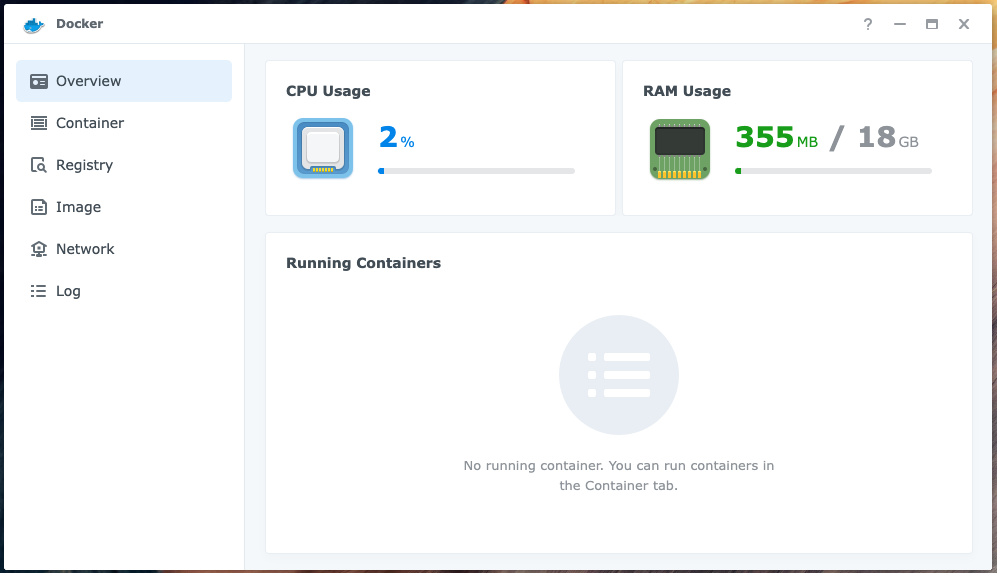
The installation will create a Shared Folder called docker: /volume1/docker
Create the directories for the image
Connect (SSH) to the Synology NAS, you should see something like:
admin@nas-1:~$
Create the directories for the Cardano Node image:
cd /volume1/docker
mkdir cardano-node-data
mkdir cardano-node-ipc
Run the image
Run the Cardano Node:
docker run -d --name=cardano-node \
  -e NETWORK=mainnet \
  -v /volume1/docker/cardano-node-ipc:/ipc \
  -v /volume1/docker/cardano-node-data:/data \
  inputoutput/cardano-node:1.35.3
After a few minutes you should see something like:
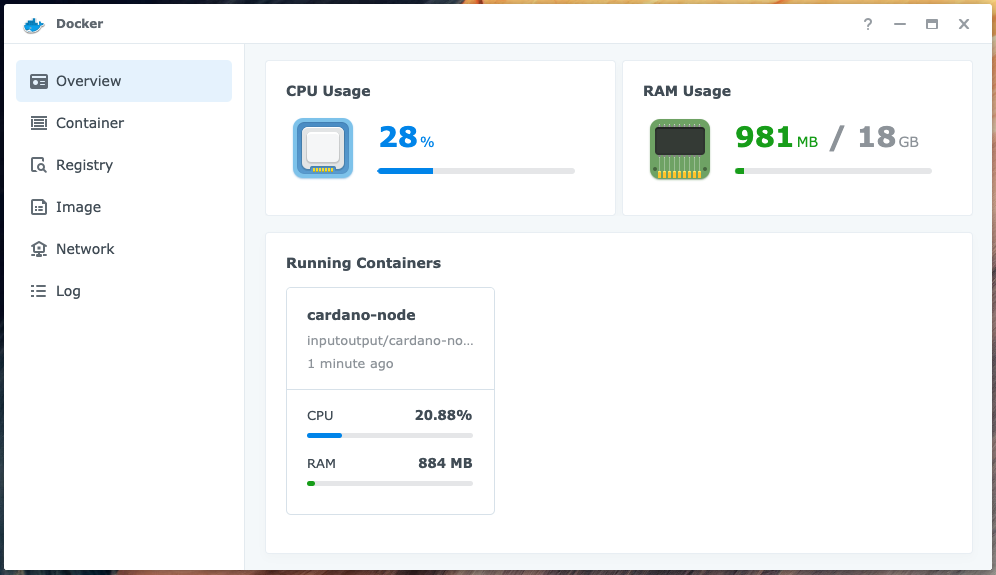
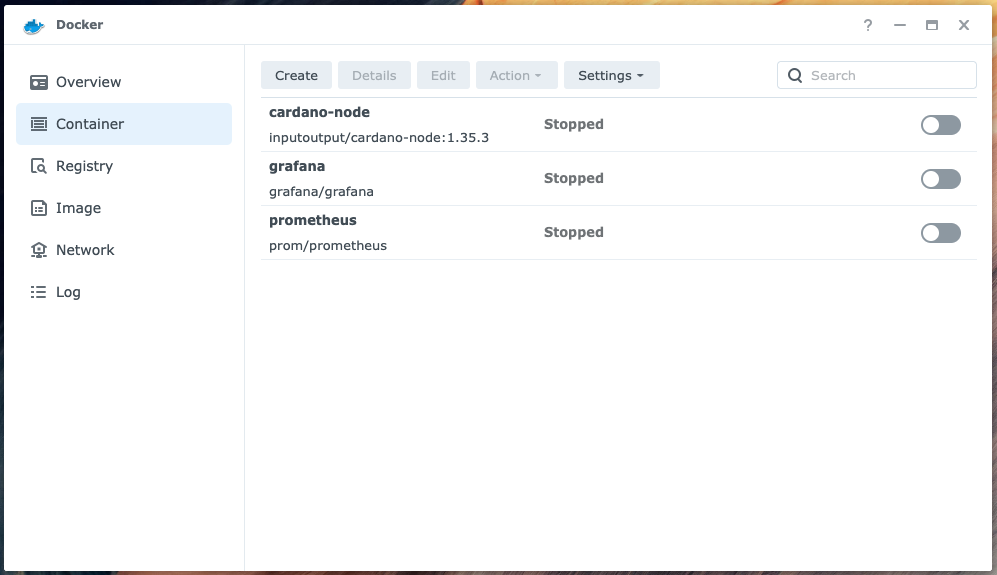
Stop the container:
Use the Synology DSM's File Station to copy the database directory from another (stopped) node to the
/volume1/docker/cardano-node-data directory:

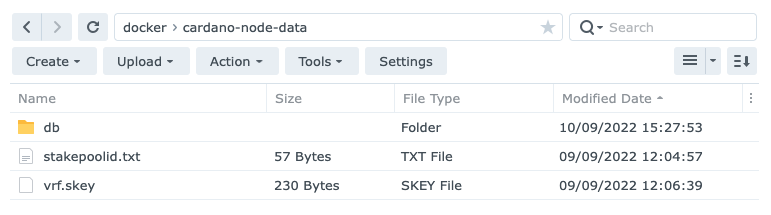
Use the File Station to copy the following files from the Core Node's ${NODE_HOME} (/home/ada/pi-pool)
directory to the /volume1/docker/cardano-node-data directory:
stakepoolid.txt
vrf.skey
Use the File Station to copy the following file from the Core Node's ${NODE_HOME} (/home/ada/pi-pool/files)
directory to the /volume1/docker/cardano-node-data directory:
mainnet-shelley-genesis.json
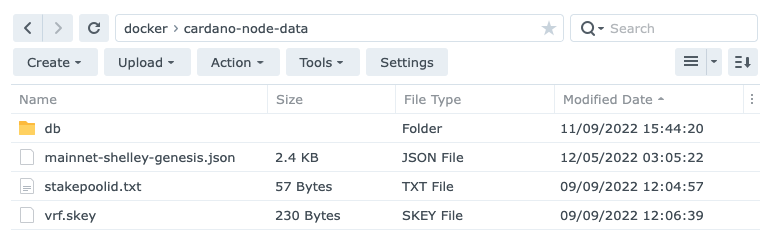
Restart the container.
Run a Shell in the container
Use the following command to run a Shell in the Cardano Node container:
sudo docker exec -it cardano-node bash
Query the leadership schedule
Now you can use the Cardano CLI to query the leadership schedule for the current epoch:
export CARDANO_NODE_SOCKET_PATH=/ipc/node.socket
cd data

cardano-cli query leadership-schedule \
  --mainnet \
  --genesis ./mainnet-shelley-genesis.json \
  --stake-pool-id $(cat ./stakepoolid.txt) \
  --vrf-signing-key-file ./vrf.skey \
  --current
You should see something like:
 SlotNo                           UTC Time
--------------------------------------------------
71025961                   2022-09-07 23:10:52 UTC
71281156                   2022-09-10 22:04:07 UTC
71416618                   2022-09-12 11:41:49 UTC
1.5 days before an epoch boundary you can query the leadership schedule for the next epoch:
export CARDANO_NODE_SOCKET_PATH=/ipc/node.socket
cd data

cardano-cli query leadership-schedule \
  --mainnet \
  --genesis ./mainnet-shelley-genesis.json \
  --stake-pool-id $(cat ./stakepoolid.txt) \
  --vrf-signing-key-file ./vrf.skey \
  --next
You should see something like:
 SlotNo                           UTC Time
--------------------------------------------------
71493318                   2022-09-13 09:00:09 UTC
71507684                   2022-09-13 12:59:35 UTC
71535556                   2022-09-12 11:41:49 UTC
71648565                   2022-09-15 04:07:36 UTC
71707218                   2022-09-15 20:25:09 UTC
71721002                   2022-09-16 00:14:53 UTC
Resources
- Cardano docs: Installing the Cardano node
- The Cardano Operations Book: Environments